Sharing scenarios
A scenario saves as one .orihai file that anyone with Orihai can open. Your stories stay on your machine.
Since version 0.8.0
Share a scenario#
In the library, open a scenario's menu and choose Share scenario…. In the scenario editor, choose Share. Choose where to save the file. It is named after the scenario and ends in .orihai.
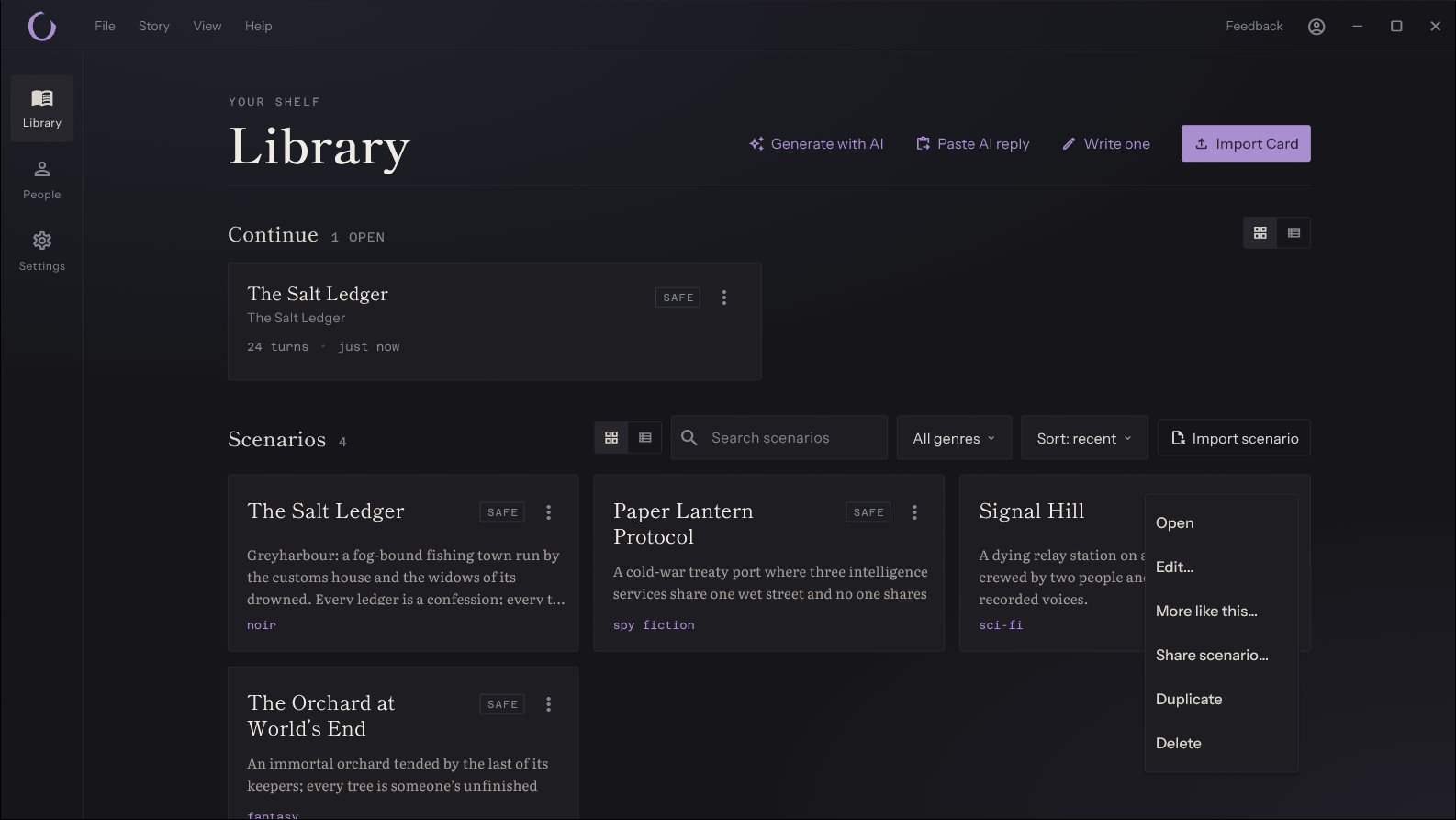
In the editor, Share saves your changes to the scenario first, so the file holds what you see.
Send the file however you like: by email, in a chat, or as a download on a web page.
What the file holds#
The file holds the scenario as you wrote it: its title, genre, world sheet, style directives, turn reminder, rating and attribution, and every character, opening scene, lore entry and place.
It leaves out your stories and anything a story found or changed while you played it, any character or place still marked provisional, your personas, your model profile, and character pictures.
If you played the scenario in an earlier version of Orihai, the first time you share it Orihai says that the file may include what those stories found or changed. Choose Share to save it anyway, or Cancel to check the cast and places first.
Open a scenario file#
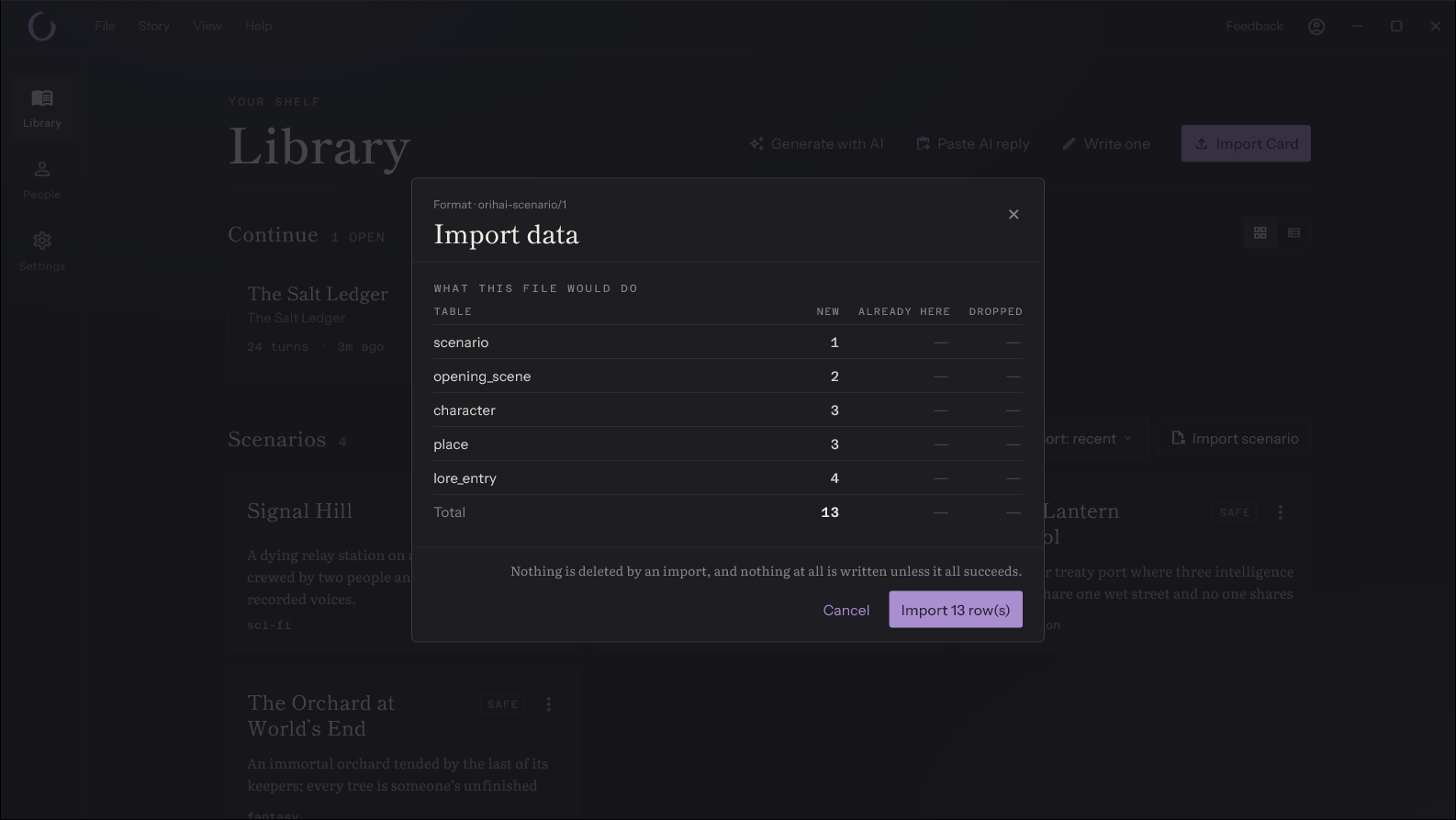
Double-click a .orihai file. Orihai opens, or comes to the front if it is already running, and shows the import preview.
You can also drag the file onto the library, or choose Settings, Data, Import data….
Nothing is added until you confirm the preview. Each import adds a new scenario, so opening the same file twice gives you two copies.
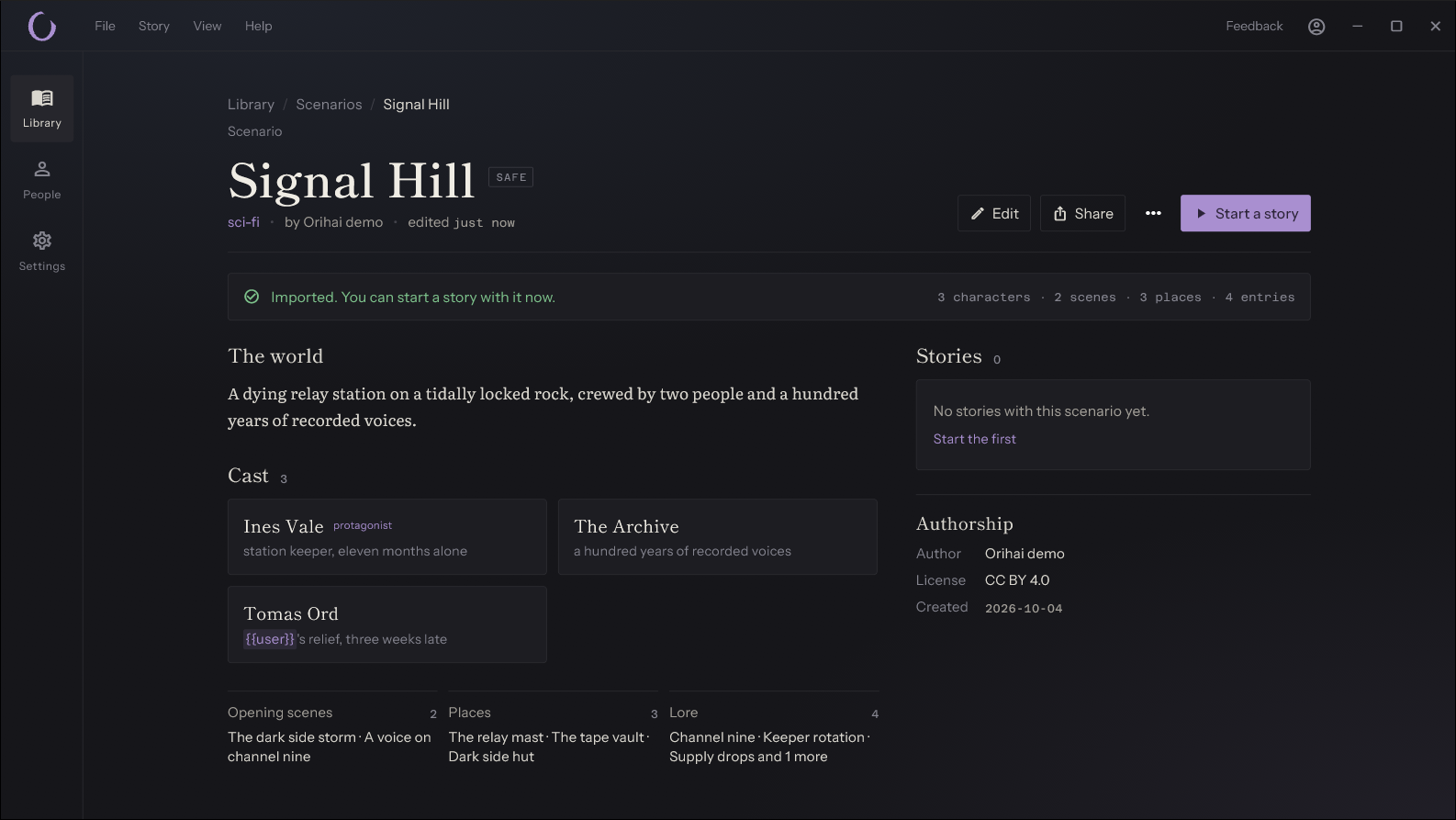
After the import, Orihai opens the new scenario's page, with a note that it was imported and what it holds. Choose Start a story to play it.
A file on a network path (\server\share) is refused when you open it by double-click or drop it onto the library. Copy it to your computer first.
Open a link#
A link that starts with orihai://import?url= opens a scenario from orihai.ink. Your browser asks whether to open Orihai first; allow it.
Orihai then shows Open a scenario from a link, with the name of the site. Choose Download to fetch the scenario and see the import preview.
Orihai opens links from orihai.ink only. A link to any other site is refused before anything is downloaded, and so is a redirect away from orihai.ink. To share a scenario anywhere else, send the .orihai file.
A link from orihai.ink also has to meet all of these:
- The address uses https, and so does every redirect.
- The file is a scenario of at most 1 MB. Data exports and zip files are refused.
- The site answers within 10 seconds, after at most 3 redirects.
Links ignore any system proxy.
When a link fails, the message says why. Download the file in your browser and open it instead.